
DESIGN FILE GUIDES
How to Prepare Artwork for Custom Soft PVC Products
Updated August 28, 2026

Good soft PVC development starts with clear artwork, but a buyer does not need a complete engineering package before making an inquiry. For an initial review, a logo or reference image, the intended product, approximate size, quantity and target timing are usually enough to start a practical discussion. Before tooling, however, the design must be converted into a controlled production drawing that defines dimensions, thickness, structure, colors, front and back details, print areas and attachment positions.
This guide explains what to send at each stage, how to mark the details that affect soft PVC production, and what to check before approving the production drawing and physical sample. The goal is not to turn buyers into mold engineers. It is to make sure the factory is not forced to guess at details that later affect tooling, sampling, cost or appearance.
What to Send at Each Stage
The information required for a quotation is different from the information required to release a mold. Separating these two stages makes it easier to start a project while still keeping the production process controlled.
| Stage | What the buyer should provide | Purpose |
|---|---|---|
| Initial review / quotation | Logo or reference image; product type; approximate finished size; target quantity; expected timing; destination or use if relevant. | Enough information to assess the concept, identify obvious production risks and prepare a quotation based on stated assumptions. |
| Before tooling | Final dimensions and thickness; 2D, layered relief or full 3D structure; front and back; confirmed colors; text; print areas; attachment or magnet position; approved revision. | Enough information to prepare and approve the production drawing that will be used for tooling and sampling. |
If some details are still undecided at quotation stage, state that clearly. A practical quotation can identify the assumptions used, while the final drawing can be completed after the buyer confirms the design direction.

What to Include in Your Artwork Package
When the project moves beyond an initial inquiry, the artwork package should define the product clearly enough for a production drawing to be prepared without relying on interpretation. Include the following where applicable:
- Product type and intended use.
- Finished width and height, with units clearly stated.
- Thickness information, including whether the value refers to the base thickness or the total thickness including raised relief.
- Structure preference: 2D, layered relief or full 3D.
- Front and back requirements, including the main viewing face.
- Color references and any special effects.
- Hole, magnet, eye-screw or other attachment positions.
- Logo files, text and confirmed spelling.
- Printing areas where molded color is not being used.
- Quantity, packaging, destination market and target timing if these are already known.
Choose File Formats That Preserve Editable Artwork
Vector artwork is preferred because outlines, color zones and text remain defined as geometry. AI, CDR, EPS and vector-based PDF files can all be useful, but the file extension alone does not prove that the artwork is editable. A PDF may contain only a placed raster image. Before sending, make sure the important design elements remain as editable vector paths where possible.
Convert fonts to outlines or curves so text does not change when the file is opened on another system. It is also useful to send a preview PDF or image showing the intended appearance. The editable file is used for technical preparation; the preview gives both sides a simple visual reference for checking orientation, wording and overall composition.
If vector artwork is not available, send the highest-resolution JPG, PNG or other raster file you have, preferably at or near the intended finished size. A high-resolution raster image can be enough for initial evaluation, but it may still need to be redrawn before tooling. Resolution does not automatically make a file production-ready.

Prepare Artwork at 1:1 Finished Size
Whenever possible, prepare the artwork at 1:1 finished size and mark the unit of measurement. This is important because details that look comfortable on a large monitor can become very small when reduced to a 50 mm or 70 mm product. Final-size review is the correct point to judge line width, text size, narrow gaps, attachment clearances and the balance between raised and recessed areas.
Use a consistent orientation for the front and back views. Add an arrow, label or other clear direction indicator if a double-sided design could be interpreted in more than one way. For thickness, distinguish between the base body and the total thickness including the highest relief. These small annotations remove common sources of misunderstanding before the mold is made.
Mark Dimensions, Relief and 3D Structure
The production drawing should define the outer profile, finished dimensions, thickness, color areas and the raised or recessed sections. For layered relief, identify which elements sit above or below adjacent areas. If a specific relief height is important to the design, it should be shown rather than inferred from a rendering.
For full 3D products, provide front, side and back views or other angles that define the form. Two products with the same front outline can require very different tooling if one is flat and the other is dimensional. The structure should therefore be confirmed on the production drawing before tooling. Double-sided molded detail or double-sided printing should also be stated explicitly.

Mark Colors Clearly
Use Pantone references or a physical color standard wherever possible. A screen image is not a reliable color standard because monitor settings, lighting, surface finish and PVC material characteristics change the way a color appears. Mark each color area on the artwork and include a color legend so separated zones are not left to visual interpretation.
Write the complete color reference exactly as approved. If the brand standard includes a Pantone suffix, include the suffix rather than only the number. The reference helps communicate the target, but the physical sample remains the approval standard for the finished PVC color.
Special effects such as glow-in-the-dark, glitter, pearl, fluorescent, translucent or transparent PVC should be called out separately. Different effects may require dedicated formulations or additional process control. Feasibility, appearance and consistency should be confirmed through project review and a physical sample rather than assumed from digital artwork alone.
Text, Lines and Narrow Gaps
Very fine lines, very small molded text and narrow isolated gaps are among the details most likely to change during technical review. As a planning reference at the final 1:1 product size, separated molded lines are commonly reviewed around the 0.3–0.5 mm range and molded text around 2–3 mm or larger. These figures are not universal guarantees. Reproducibility also depends on the font stroke, spacing, relief height, neighboring color areas, product thickness and the overall structure of the design.
If a detail is too fine for reliable molded separation, printing may be a more practical solution. The correct decision is made from the final-size production drawing, not from a general rule in isolation. Before tooling, the factory should flag any line, text, gap or small isolated color area that needs to be enlarged, simplified or converted to printing.
Edge Clearance, Safe Areas and Printing Bleed
Molded soft PVC does not use print bleed in the same way as a paper label or sticker. Important text, narrow borders and critical molded details should still have enough clearance from the product edge to remain stable after molding and trimming. The appropriate clearance depends on the product size, edge profile, relief, trimming method and the specific production template.
When screen printing, UV printing or another surface-printing method is added, the required print allowance or bleed should be defined for that specific product and print area. Do not enlarge every printed boundary by a fixed amount unless the factory template calls for it. The production drawing should show the actual print boundary, registration area and any required allowance.

Front, Back and Attachment Position
The back is part of the product specification. It may be flat, textured, printed, molded with a logo, or designed to hold a magnet or other component. Mark the required back construction on the artwork and identify the main viewing face so the orientation is clear.
Hole positions, magnet locations, eye-screw points and the connection point for rings, chains, clasps or straps should also be shown. The amount of PVC around an attachment affects retention and durability, so hardware should not be left to the sample stage. Where relevant, attachment retention and magnetic holding performance should be included in the inspection criteria.

Choose Between Molded Color and Printing
Molded color separation works well for bold color zones with clear boundaries. Printing is useful for gradients, photographic elements, very fine text and complex graphics that are not suitable for molded separation. A design can combine both methods, but the production drawing should show which areas are molded and which are printed.
Printing also introduces a surface-wear consideration because printed details are exposed to friction during handling and use. The physical sample should therefore be checked for print position, coverage, appearance and expected use. For designs with very fine graphics, the best solution may be to simplify some molded areas and reserve printing only for the details that need it.

What Can Be Customized
Soft PVC can support 2D, layered relief and full 3D structures, molded colors, selected special-effect formulations, surface printing, different back treatments and a range of attachments such as rings, chains, clasps, straps and magnets. The exact construction is developed project by project. Unusual effects, mixed structures and special components should be confirmed through technical review and sampling rather than treated as automatic options.
Common Artwork Mistakes
- Sending only a low-resolution reference image and assuming it can be used directly for tooling.
- Leaving the finished size or thickness undefined.
- Not distinguishing base thickness from total thickness including relief.
- Using colors visually without identifying the intended color references.
- Forgetting the back design or the orientation between front and back.
- Using very fine molded text or narrow gaps without checking them at final size.
- Leaving hole, magnet or hardware positions to be decided during sampling.
- Sending several revised files without clear revision names or an approved master version.
Most of these issues are easy to prevent. The production drawing is the control document that converts the buyer’s design into a manufacturable specification, but it can only be accurate when the source artwork and revision status are clear.
Production Drawing Approval and Physical Sample Approval Are Different
The electronic production drawing and the physical sample are two separate approval gates. Drawing approval confirms the design specification on paper: dimensions, structure, colors, text, front and back, print areas and attachment positions. It authorizes the tooling or next development step based on that defined information.
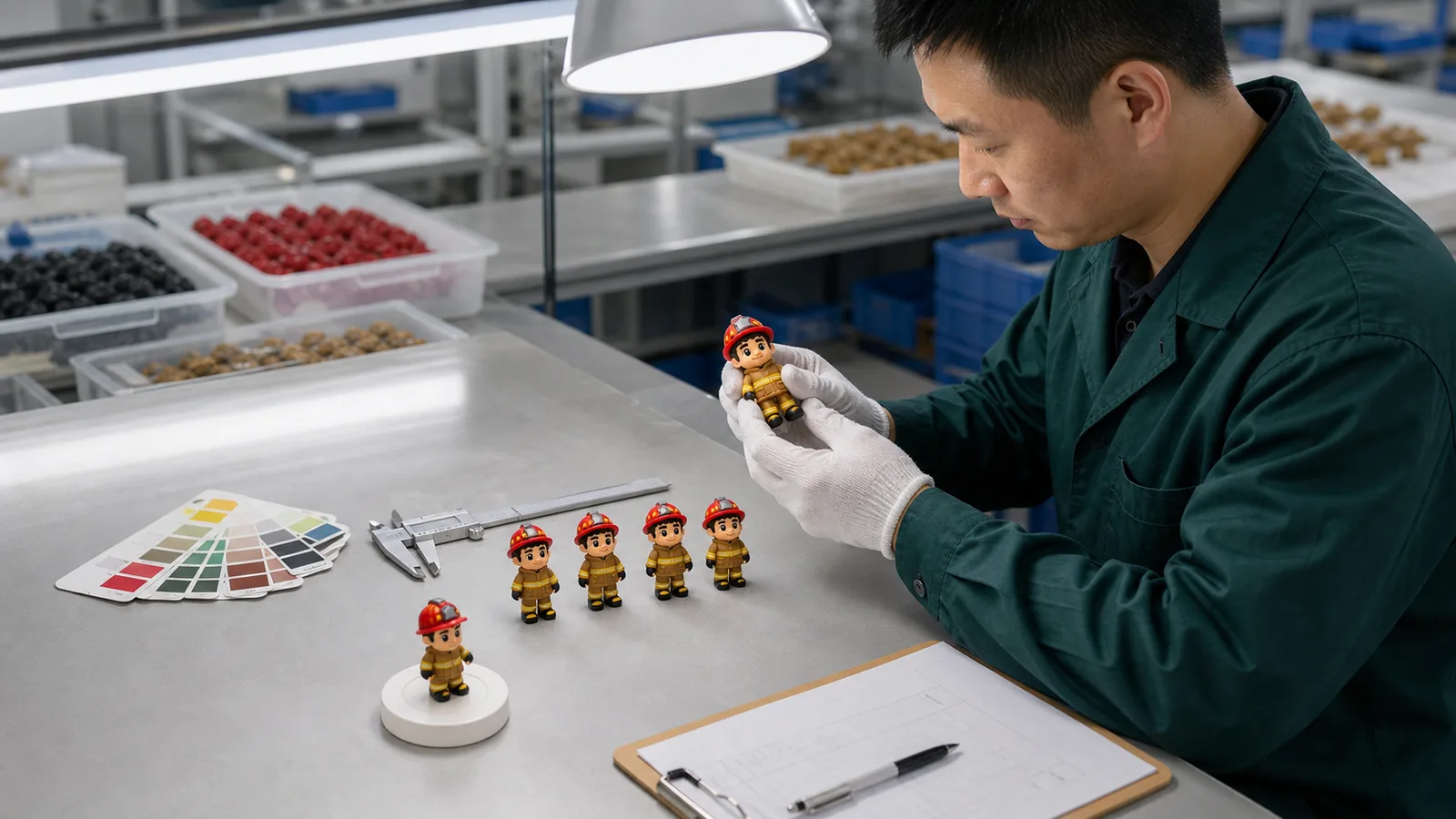
The physical sample confirms the real result. Check color, relief, edge trimming, flatness or warping, print position, back construction, magnet location, hardware fit and attachment retention where applicable. If a sample is revised, record the version and the changes so mass production is released against one clearly approved reference rather than a mixture of earlier comments.
For the wider inspection and documentation framework, see the Quality & Compliance overview.

Final Checklist Before Approving the Production Drawing
- Artwork is shown at 1:1 finished size and the measurement unit is stated.
- Finished width and height are correct.
- Base thickness and total thickness are clearly distinguished where relief is used.
- 2D, layered relief or full 3D structure is correct.
- Front and back orientation is clear.
- Raised, recessed and printed areas are identified.
- All text and spelling are approved, with fonts converted to outlines in the editable artwork.
- Complete color references are listed and separated color zones are clear.
- Hole, magnet and hardware positions are dimensioned or clearly located.
- Printing method and print boundaries are marked where applicable.
- File names and revision numbers identify one current approved version.
For a broader RFQ and sourcing framework, see the Custom Soft PVC Products: A Buyer’s Guide. The production routes behind the drawing are summarized in the Manufacturing overview.
FAQ
What file formats are preferred for soft PVC artwork?
Editable vector artwork is preferred because outlines, text and color areas remain clearly defined. AI, CDR, EPS and vector-based PDF files can be useful. A PDF should be checked to make sure the important elements are actually vector paths rather than only a placed raster image.
What if I only have a JPG or PNG?
Send the best-quality file available together with the intended finished size and any reference images. It can be reviewed for feasibility, but it may need to be redrawn before tooling. A 300 dpi image can be useful for evaluation; resolution alone does not make it production-ready.
Do I need to add bleed to soft PVC artwork?
Do not apply one universal bleed rule to every soft PVC design. Molded details need appropriate edge clearance, while printed areas may require their own registration allowance or bleed. The correct value should follow the product structure, printing method and factory production template.
What is the minimum line width or text size for molded PVC?
At 1:1 finished size, separated molded lines are commonly reviewed around 0.3–0.5 mm and molded text around 2–3 mm or larger as planning references. They are not guaranteed limits. Font stroke, gaps, relief, neighboring color areas and the product structure can change what is practical.
Why should I include the full Pantone reference?
A complete reference reduces ambiguity between artwork, quotation, sampling and approval. If the approved brand reference contains a suffix, include it. The physical PVC sample remains the final reference for the finished color.
Can gradients be molded in soft PVC?
Gradients and photographic details are generally better handled by printing. Molded PVC color works best where color zones have clear boundaries. A combined molded-and-printed design should show both methods separately on the production drawing.
What should I check before approving the production drawing?
Confirm final dimensions, thickness definitions, structure, front and back orientation, color zones, text and spelling, relief, print areas and all hole or hardware positions. Drawing approval confirms the technical design; the physical sample then confirms the real product.
Does the number of colors affect production cost?
It can, but color count alone does not determine the impact. Processing time and cost also depend on the size and distribution of separate color areas, relief levels, how difficult each zone is to fill or control, and whether printing or special effects are added. The final drawing is the correct basis for evaluation.
Send Your Artwork for a Soft PVC Review
Share your artwork or reference image, intended product, approximate size, quantity and any known structure, color, back, hardware or packaging requirements through the Request a Quote page. TUOYUAN can review whether the file is suitable for development, identify details that may need adjustment, and indicate whether key areas are better handled by molded color separation or printing. Before tooling, the confirmed specification is converted into a production drawing for approval, followed by physical sampling.

READY TO START YOUR CUSTOM PROJECT?
Share your project details and artwork for a quotation. A confidentiality agreement can be signed before sampling.